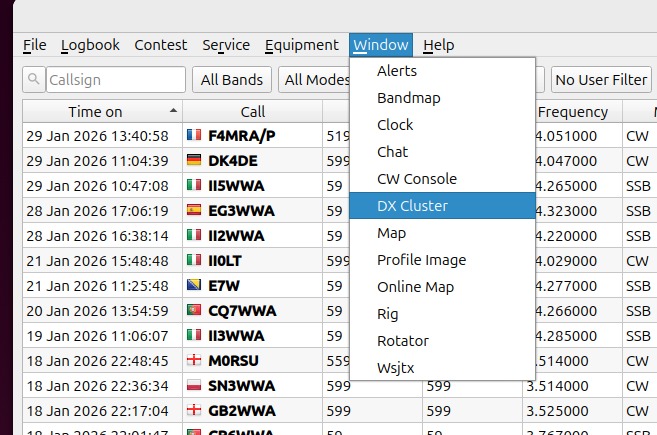
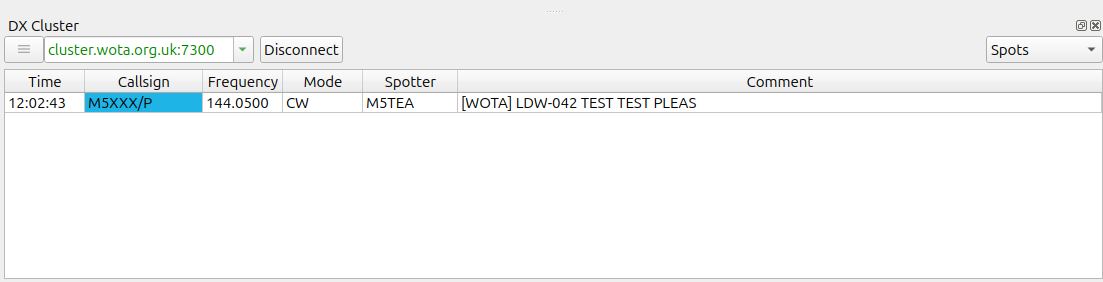
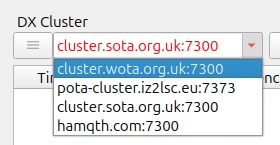
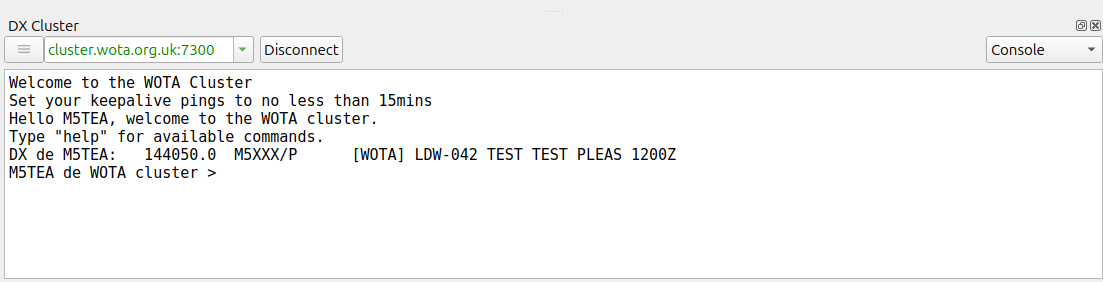
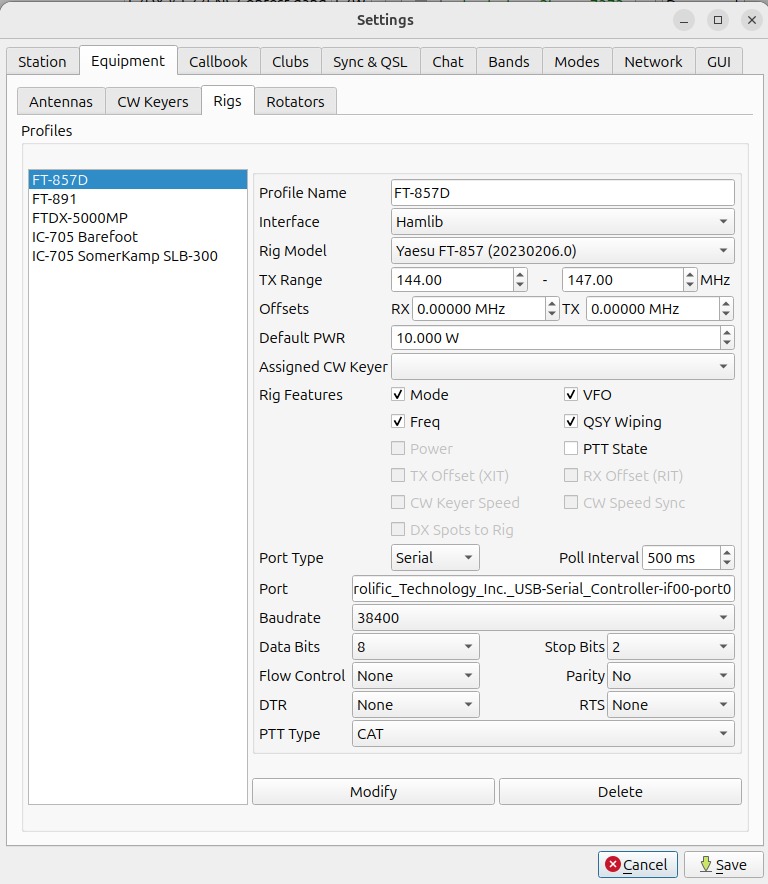
Following a request from Nick G0HIK I’ve implemented a WOTA cluster server. You can access this directly via telnet but the purpose really is to integrate it into other applications, such as qlog. It allows applications like qlog to receive spots in a standard format. You then can use facilities like automatically changing to the spot frequency on a connected rig.
Cluster address: cluster.wota.org.uk:7300
It very closely follows the implementation for SOTA, with thanks to Andy GM4LLD from the SOTA MT who implemented their server in python and provided me with some good information. The WOTA server is implemented in the existing wota-data application and written in Typescript.
The following commands are supported:
WOTA Cluster Commands:
| Command | Purpose |
|---|---|
| sh/dx [n] | Show last n spots (default 25, max 50) |
| sh/users | Show connected users |
| ping1 | Send keepalive every 1 minute |
| ping5 | Send keepalive every 5 minutes |
| ping10 | Send keepalive every 10 minutes |
| ping15 | Send keepalive every 15 minutes |
| bye / quit | Disconnect from cluster |
| help | Show this help message |
Here’s an example of a raw telnet session:
msw@Marks-MacBook-Pro-2 ~ % telnet cluster.wota.org.uk 7300
Trying 149.22.76.240...
Connected to cluster.wota.org.uk.
Escape character is '^]'.

Welcome to the WOTA Cluster
Set your keepalive pings to no less than 15mins

login: M5TEA

Hello M5TEA, welcome to the WOTA cluster.
Type "help" for available commands.

DX de M5TEA:       3567.0  M5XXX/P      WOTA: LDW-001 TEST TEST 2      0925Z
M5TEA de WOTA cluster > help

WOTA Cluster Commands:
----------------------------------------
sh/dx [n]     Show last n spots (default 25, max 50)
sh/users      Show connected users
ping1         Send keepalive every 1 minute
ping5         Send keepalive every 5 minutes
ping10        Send keepalive every 10 minutes
ping15        Send keepalive every 15 minutes
bye / quit    Disconnect from cluster
help          Show this help message

Spots are broadcast automatically when they arrive.
M5TEA de WOTA cluster > sh/dx
DX de M5TEA:       3567.0  M5XXX/P      WOTA: LDW-001 TEST TEST 2      0925Z
M5TEA de WOTA cluster > sh/users

Connected users (1):
----------------------------------------
M5TEA        connected for 0 mins

M5TEA de WOTA cluster > quit
73 de WOTA cluster. Goodbye!
Connection closed by foreign host.
There is a standard format for the spots line with fixed width fields that a connecting application can use to interpret the spot and provide facilities such as one-click changing of frequency on a connected rig.
For a WOTA spot, the callsign of the spotter, spot frequency, callsign of the activator, the WOTA reference, spot comment and time of spot are included:
DX de M5TEA: 3567.0 M5XXX/P WOTA: LDW-001 TEST TEST 2 0925Z
Let me know if you have any issues using the facility.
Mark.